AI-2026-F
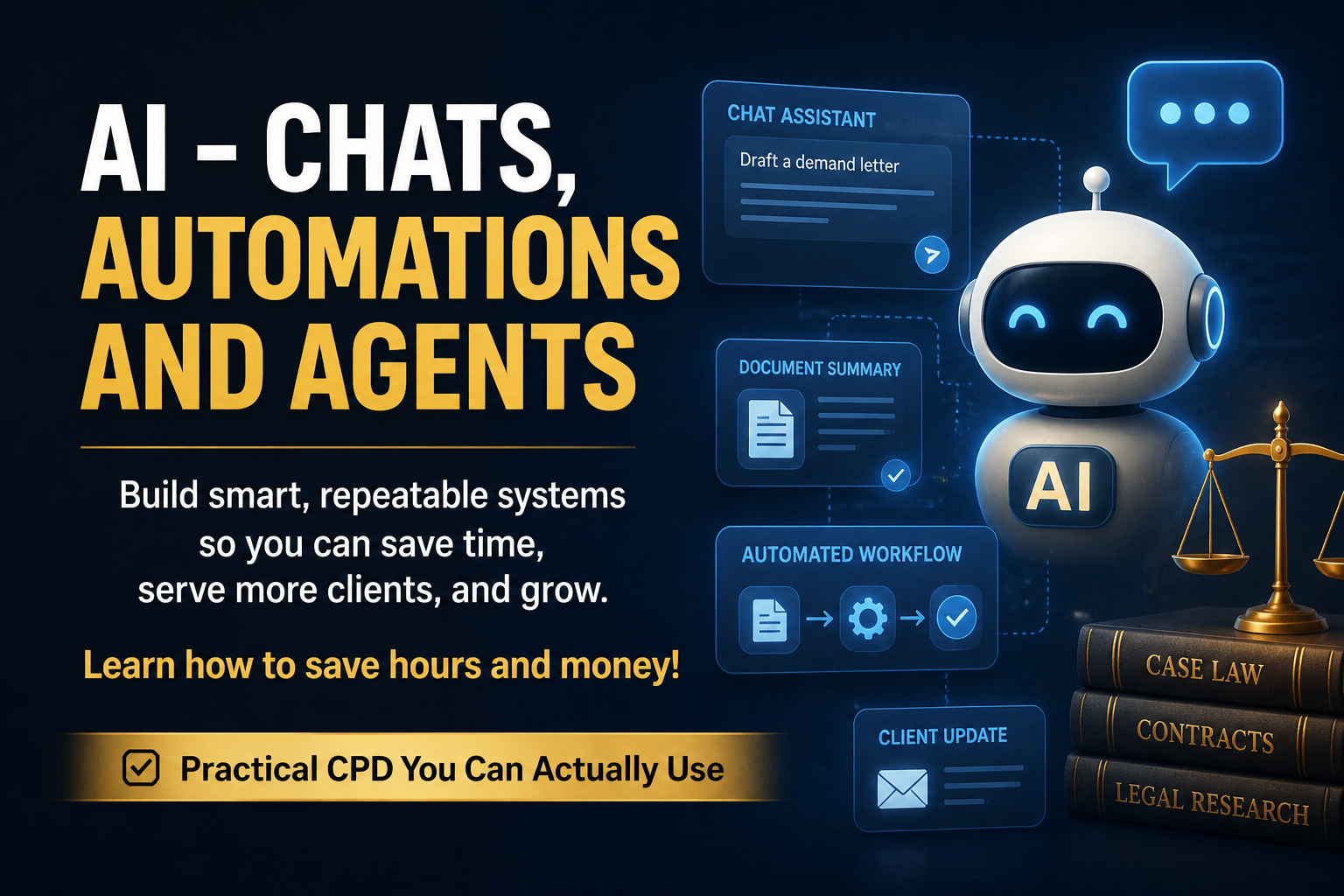
AI - Chats, Automations & Agents (Fall 2026)
Build Smart Repeatable Systems so you can Save Time, Serve More Clients, and Grow!

Accreditation
This program is eligible for up to 11 Substantive Hours.
This program contains 1 Professionalism Hour.
4 Thursdays from 6-9 (Fall 2026)
$500.00 CAD + H.S.T.
About This Program
The Problem
Every legal professional has heard the AI hype. Most have tried ChatGPT once or twice. A few have built something useful with it.
Almost none have a system.
You're still doing the same intake calls, the same first-draft emails, the same morning calendar review, the same case-status updates — by hand, every day, while a tool sits idle on your desk that could do half of it for you.
This program gives you the system. By Lesson 4 you have an AI Intake & Triage automation running on your own intake form — categorizing every new lead, scoring its urgency 1–5, and drafting a reply in your writing voice, saved as a Gmail draft for you to review and send.
What You Leave With
By the end of this 4-week cohort you will:
- Know which AI to use for any task — ChatGPT, Claude, Perplexity, Gemini
- Write structured prompts that produce consistent, professional output every time
- Run automated routines: morning briefing, weekly court schedule
- Connect any two apps visually using Make.com — no code required
- Tune AI prompts inside an automation to match your practice voice and your urgency rubric
- Have a working AI Intake & Triage system on your own intake form — saving you 30–60 minutes a day from Day 1
- Understand your LSO obligations when using AI: confidentiality, supervision, billing, disclosure
The 4 Lessons
Lesson 1 — AI Chats (May 28)
The brain. Models, prompt engineering, the 6 elements of a great prompt, image generation. You'll leave with 6 ready-to-use prompt templates rewritten for your practice area.
Lesson 2 — Automations (June 4)
The pipeline. APIs and webhooks (we explain it with a diner analogy you'll never forget), Anthropic Co-Work, and a quick comparison of Make, n8n, and Zapier — settling on Make for the capstone. You'll build a morning briefing routine and the first slice of your Intake & Triage system — Google Form → Make → Google Sheet log — live in class.
Lesson 3 — Building Agents (Part 1) (June 11)
The brain in the pipeline. What an "agent" actually is, and why the AI step inside your Make scenario is your in-loop agent. We add the categorize + score + summary + draft-reply steps to the scenario. Each student tunes the urgency rubric and pastes in their 3 sample sent emails so the drafts sound like them.
Lesson 4 — Tying It All Together (June 18)
The running system. Power features — branching by urgency, conflict pre-check, weekly self-audit, follow-up sequencer. Capstone showcase: every student demos their Intake & Triage processing a test intake live. What to build next, plus the Email Clerk stretch for ambitious students who want to apply the same pattern to their entire Gmail inbox.
The Capstone — AI Intake & Triage
This is what makes this program different from every other AI CPD on the market.
You don't just learn about AI. You build something real, you use it the next morning, and no code is involved.
By Lesson 4 you have a click-and-configure Make.com scenario that, on every submission to your public Google Form:
- Categorizes the matter and flags any practice-area mismatch
- Scores urgency 1–5 using a rubric you tune for your practice
- Drafts a 3-sentence summary of the matter for you in plain English
- Drafts a 4-sentence first reply in your voice — saved as a Gmail draft addressed to the prospect
- Logs every submission to a Google Sheet so you can audit and refine weekly
- Emails you a notification so you know a draft is waiting
The AI never sends. You open Gmail, read the draft, edit if needed, send. That distinction is the whole reason this build is defensible under LSO Rule 3.1.
Every student leaves with the Google Form template, the Make scenario setup guide, and the AI prompts — ready to copy into their own accounts.
Who This Is For
This program is built for:
- Ontario lawyers in private practice
- Ontario paralegals (LSO P1)
- Lawyer and paralegal licensing candidates
- Law clerks supporting busy practices
Tech baseline: if you're comfortable with email, web browsing, Microsoft Office, and social media — you have everything you need. No code, no terminal, no software to install. Everything in this course runs in your web browser. You will need a free Google account (for Forms, Sheets, and Gmail) and an OpenAI account for the AI calls.
Why the 10-Student Cap
Most online CPDs are passive. You watch, you nod, you forget by Friday.
This one is different. Every class has hands-on build time, and Frank pauses lessons to help anyone stuck. With 10 students, that's still possible. With 50, it isn't.
If you want to actually build something — not just hear about how someone else did — this is the format.
CPD Credits
This program is eligible for up to 11 Substantive Hours.
This program contains 1 Professionalism Hour, threaded through ethics content covering:
- Client confidentiality and AI tools
- Vendor data agreements and where your client's data lives
- Supervision of AI-generated work
- Honest billing and disclosure of AI use to clients
What's Included
- 12 hours of live instruction over 4 Thursday evenings
- All session recordings, available for replay (cohort-only)
- A Google Form template (8-question starter, ready to copy to your Drive)
- A click-by-click Make scenario setup guide (~45 min to build the first time)
- Two AI prompts — categorize + score, and summary + draft reply — copy/paste ready, with tuning notes
- 4 PDF handouts — one per lesson — with explainers, prompt templates, and the Intake & Triage build recipe
- Pre-class tool & account setup guide
- Cohort directory and private channel
- BootcampCPD certificate of completion
- (Optional stretch) Email Clerk on Gmail starter kit for students who want to apply the same pattern to their entire inbox
Your Instructor
Frank Alfano
- Former licensed Ontario paralegal, 1990 – 2024 (33+ years)
- LL.B. (University of London), LL.M. (Osgoode Hall)
- Owner, Oversight Intelligence
- Founder, BootcampCPD
- Builds production AI tools used by Ontario legal practices
Frank teaches what he uses. Every tool, prompt, and pattern in this course is something he has shipped in production for his own and clients' firms.
FAQ
Do I need to know how to code?
No. The capstone build is entirely click-and-configure inside Make.com — no terminal, no JSON, no software to install. If you can copy-paste, you can ship this.
Will I need to pay for AI subscriptions?
Free-tier accounts cover everything we do in class. The capstone uses Make's free tier (1,000 ops/month — comfortably covers ~250 intakes/month) and OpenAI pay-as-you-go (~$0.05 per intake, so about $2–3/month for a typical practice). After the program we recommend keeping one paid AI chat tier; we walk through the trade-offs in Lesson 4.
What if I miss a class?
All sessions are recorded and posted within 24 hours. Recordings stay available to your cohort.
Is this LSO accredited?
Application is in for 1–2 Professionalism hours. Currently it's 12 Substantive CPD hours with a Professionalism content portion. Final breakdown confirmed before the cohort begins.
What if the build is too hard for me?
The capstone is deliberately scoped so a non-technical paralegal can finish it. The cohort is capped at 10 specifically so Frank can pause and help anyone stuck. You're not on your own.
Can I get a refund?
Full refund up to 7 days before Lesson 1. 50% refund up to 24 hours before Lesson 1. No refund after Lesson 1 begins.
Session Schedule
4 Thursdays from 6-9 (Fall 2026)
September 3, 2026
6:00 PM – 9:00 PM
Online
September 10, 2026
6:00 PM – 9:00 PM
Onine
September 17, 2026
6:00 PM – 9:00 PM
Onine
September 24, 2026
6:00 PM – 9:00 PM
Online
Speakers
-
 Frank Alfano
Oversight Intelligence
I’m Frank Alfano — an advocate trained in Ontario, educated at the University of London (LL.B.) and Osgoode Hall Law …
Program Details
- Type
- Multi-Session
- Province
- Ontario
- CPD Year
- 2026
- Total CPD Hours
- 12.00h